Foreward
I wanted to add a little context here to this original tweetstorm story I posted on Twitter earlier this year. To my knowledge, this is one of the first fully AI illustrated stories (however small) created on the revolutionary DALL-E platform. I’m only aware of one other story of mine, “The Great Watermelon Conflagration” that precedes “A Bunnies Tale” by a week or two, as seen here below, that is also fully AI illustrated with no post-processing done to the images after DALL-E generated them. The point in not doing any editing was to test DALL-E’s ability to generate characters and scenery with some consistency from image to image. The results are intriguing, but also not consistent in a way a professionally drawn set of illustrations would normally be. But, we are witnessing something quite staggering here, so the inconsistencies are part of the charm and the mystique of what the amazing model and algorithm deep inside the “mind” of DALL-E has produced. If you like, you can visit the original Twitter Dalle illustration thread. I think a little history was made here but I’m not sure!A Bunnies Tale
It’s not often you get to witness the birth of a timeless AI illustrated classic. From deep within the realms of our shared creative providence, I present to you:“A Bunnies Tale”
An epic tweetstory of 23 parts drawn by DALL-E #dalle2 #dalle #aiart, written by the narrator. (curtains) Two bunnies named Zoof and Floz went into the woods to play. “Let’s run!”, said Zoof. (1/23)
  They were enjoying themselves, running with all their heart, to and fro across the forest floor. “Faster, faster!”, Floz said to Zoof. (2/23)
  But Floz was faster than Zoof, and he ran so fast that Zoof couldn’t see where he went.
(3/23)
But Floz was faster than Zoof, and he ran so fast that Zoof couldn’t see where he went.
(3/23)  Zoof ran and ran but he could not find Floz. He slowed down and began searching for him, thinking perhaps Floz fell in the undergrowth and roots of the forest floor. (4/23)
  Zoof looked everywhere he could think of. He looked and looked and looked until… (5/23)
  …he couldn’t look anymore. (6/23)
  Zoof wandered over root and rock, until he heard a voice: “Who goes there?” Zoof looked up and saw an owl. “It’s me, Zoof”, he said. “I’m looking for my friend Floz. Have you seen him, Mr. Owl”? Mr. Owl said “No, but friend fox in the pine woods might. Ask him.” (7/23)
  Zoof pressed on through the pine woods. It was starting to get late. (8/23)
  He found friend fox, told him what the old owl said, and asked him where he might find his friend. “I don’t know, but the old tortoise through the mushroom glen can certainly tell you more.” “Thank you friend fox!”, he said. Zoof shook his hind legs and pressed on. (9/23)
  The mushroom glen was calm and quiet. The forest floor was very soft, beckoning him to sleep, but this made him unsettled. “I’ve got to find the tortoise soon!”, he thought to himself. “Floz might need help!” (10/23)
  Soon, Zoof came to the home of the tortoises and asked the old tortoise if he had seen Floz. “He came through here, down this tunnel. But this goes through the thorny moor. But if you press on, you’ll find the big tree and wise eagle. But hurry — night is here!” (11/23)
  So Zoof went into the tunnel, full of apprehension. (12/23)
  The tunnel emerged in the thorny moor, just as tortoise said, and the thorns were very close at first. (13/23)
  The thorns got closer and closer until they pricked him. Zoof was in full despair not only for Floz’s life but now perhaps even his own. (14/23)
  And suddenly, Zoof came into a clearing. He stood up a bit and looked around. At first, he saw nothing, but as his eyes adjusted to the moonlight, he saw a large tree. “That’s it!”, he said. With renewed energy, he pressed on. (15/23) The big tree was twisted and majestic, threatening and comforting, at the same time. “I have to get a rest, but I’d be better off in the tree than out here in the cold”, thought Zoof. (16/23)
  Zoof climbed the tree and putting aside any thoughts, instantly fell into a deep but fitful sleep. No sooner had he started having a dream, when he heard a terrible screech and an angry voice that said “Get out of my tree!” (17/23)
  Startled, Zoof jumped down and cowered at the foot of the tree. “I’m sorry Mr. Eagle, but the tortoise said you would know where my friend Floz has gotten to!” “Indeed I do! Follow the dark stream that flows from the roots here. Stay by it, and make haste. Leave!” (18/23)
  Zoof promptly sped off, following all the bends and curves of the dark stream, not straying an inch to the left or right, as the eagle demanded. “Floz, I hope you are OK after all this!”, thought Zoof. He went on like this for hours and miles. (19/23)
  Suddenly, on the bend near an embankment where two trees tapped their roots to drink from the dark stream, Zoof found Floz sleeping. “Floz!”, said Zoof. “Zoof!”, said Floz. And they did the customary rabbit greeting of running in circles. (20/23)
  “But what happened to you!”, asked Zoof “That, my friend, I will tell you about on our way home!”, said Floz. “Shall we take the backroads, or this highway!”, said Floz, gesturing to the brick path they stumbled upon. “Definitely this highway!”, said Zoof (21/23)
  So Zoof and Floz, reunited, at last, began the long journey home. Floz began to tell his story about the owl, the fox, the tortoise, the terrible eagle, and Floz listened, shaking his head. And then Floz said, “Zoof, you won’t believe my story!”
(22/23) Here we leave off until we meet on the rabbit trail with another Bunny Tale again! (23/23)
So Zoof and Floz, reunited, at last, began the long journey home. Floz began to tell his story about the owl, the fox, the tortoise, the terrible eagle, and Floz listened, shaking his head. And then Floz said, “Zoof, you won’t believe my story!”
(22/23) Here we leave off until we meet on the rabbit trail with another Bunny Tale again! (23/23) 
 So much extra watermelon at the Watermelonville Fair that year… (2 of 10)
  …we had all kinds of watermelon coming across the channel, just coming up out of the water everywhere… (3 of 10)
  …we couldn’t have known this strain of watermelon was airborne, and it grew on stucco, cedar shingles, etc. it spread quickly… (4 of 10)
  …so the baker thought it would be a good idea to scare it off his building with a little fire. he wasn’t thinking straight, driven temporarily mad by the destruction the watermelon were wreaking, and then… (5 of 10)
  …so the baker thought it would be a good idea to scare it off his building with a little fire. he wasn’t thinking straight, driven temporarily mad by the destruction the watermelon were wreaking, and then… (6 of 10)
  …everything started to catch fire. Who knew watermelon was so flammable, not to mention the humble homes. And it got worse by the minute… (7 of 10)
  …it was as if the whole town was going up in watermelon flames, while whole buildings contorted in the heat into unnatural, impossible shapes… (8 of 10)
  …the whole city was engulfed in the fiery sweet smell of roasted watermelon and cedar shingles roasted to perfection… (9 of 10)
  …with night approaching there was simply nothing left to do, but make sure the bears no longer had access to matches in the former town of Watermelonville. RIP. (10 of 10)

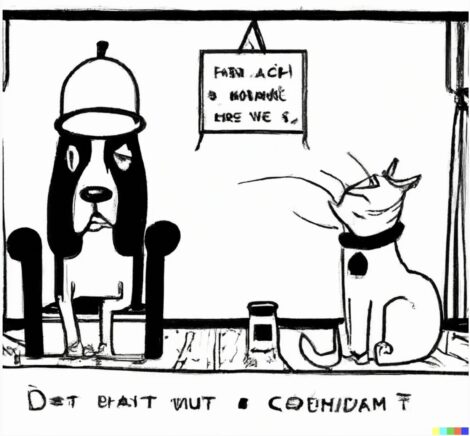
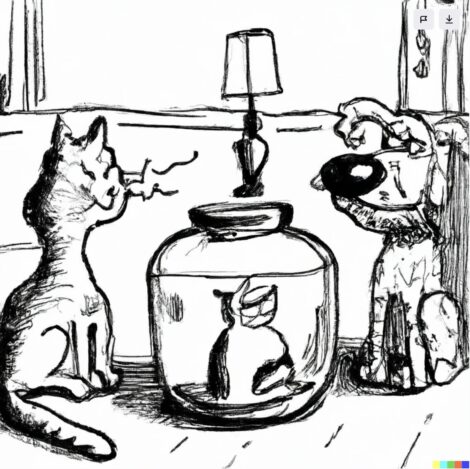
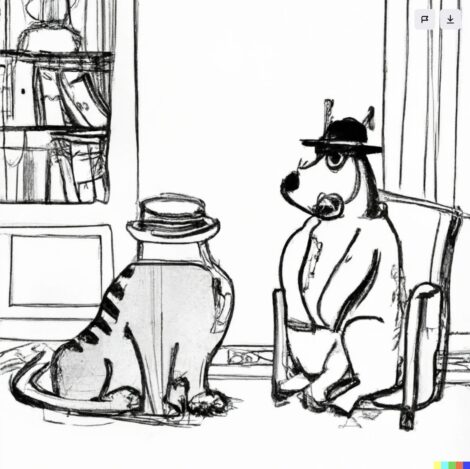
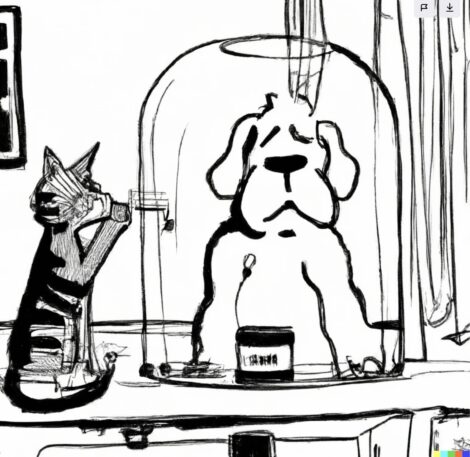
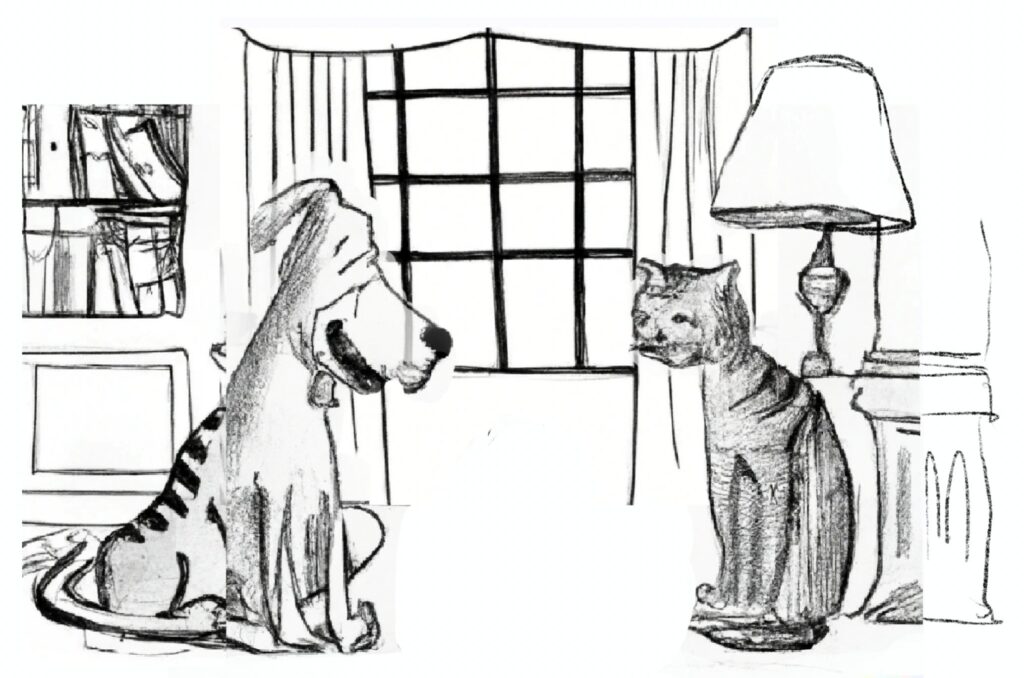
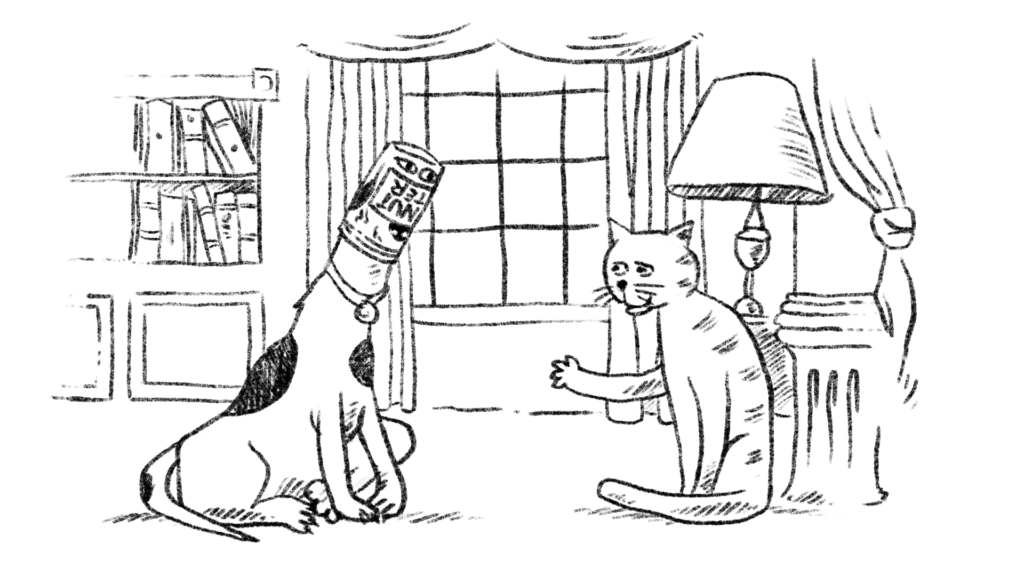
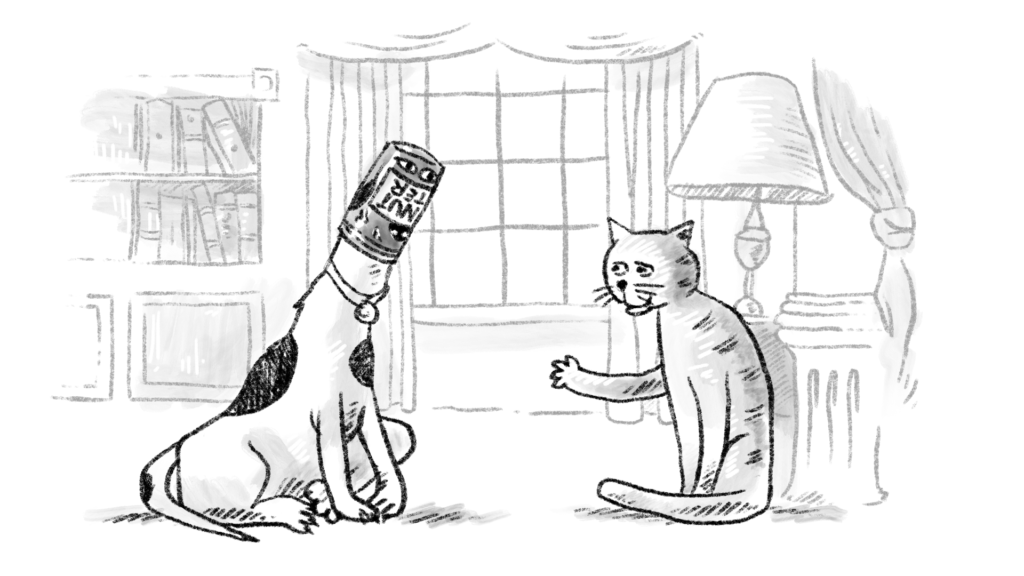
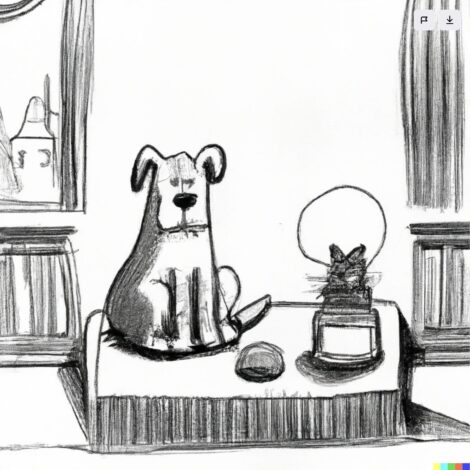 Step 4: But we’ve got some great shots and some ideas I’m going to grab and composite from these images out of the 20 I generated from the prompt and variations: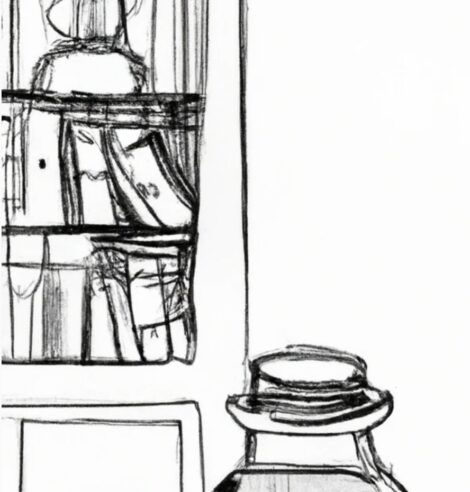
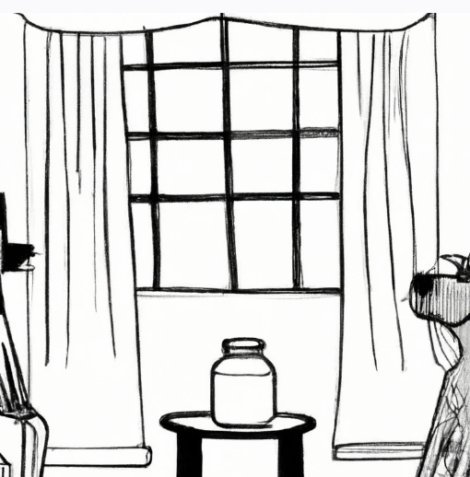
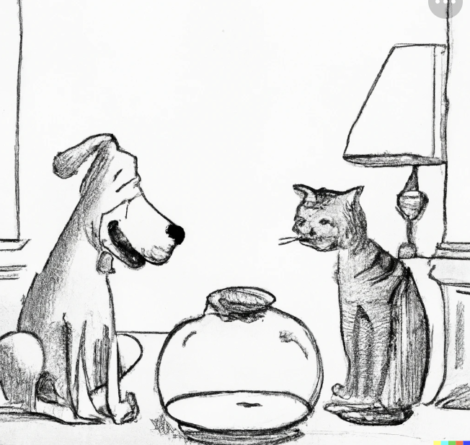


 The upstairs where his studio was located, which I really wanted to see, was not open to the public. But as we passed the stairwell to the upstairs, this is what we saw (see below). Which, of course, is exactly what one would expect to see in Edward Gorey’s house. It is the house caretaker’s cat obviously. But this cat knows the roll he’s playing. I added a little Gorey drawing of a cat looking through a window that was very oddly similar to the photo I took…of a cat looking through a window. I can’t imagine Gorey would have had it any other way!
  Visit
Visit 


