 Step 2: Time travel to before the above image was created. Start putting prompts in #dalle to get assets we can composite. As an experienced DALL-E user, I already know I can’t get the composition I want in one pass, nor can I within painting. Instead, I’m looking for elements: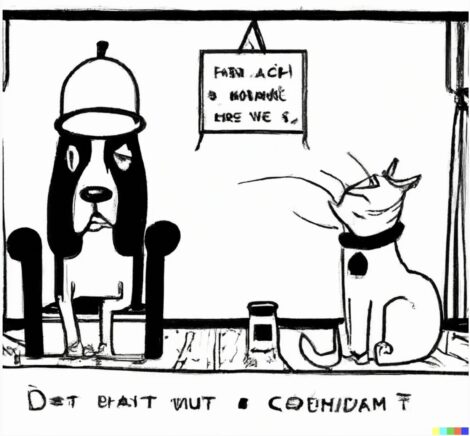
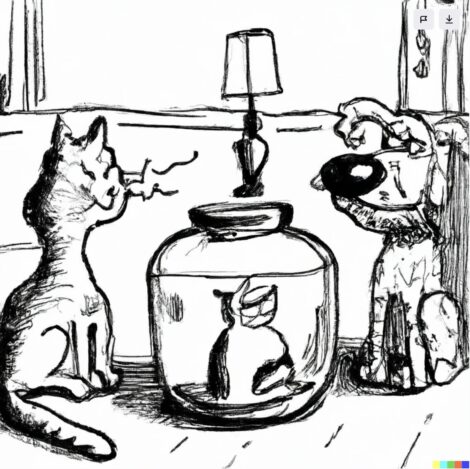
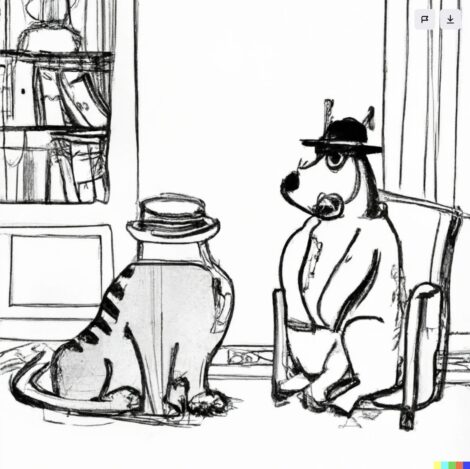 Step 3: DALL-E is getting stuck on the concept of a dog with a jar on its head. No worries, I knew it was a tough one. I’m thinking more about reference, and “close” even if mangled. You can also see #dalle doesn’t do well with cartoons. Thin margin of error with thin lines…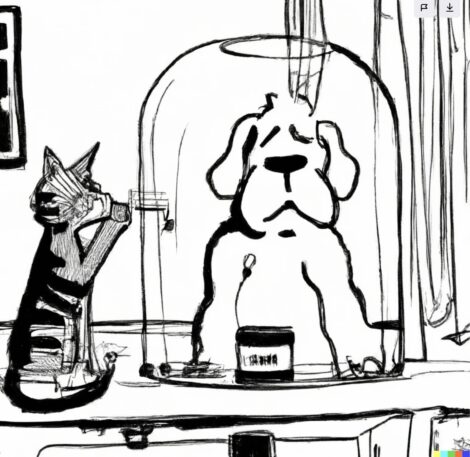
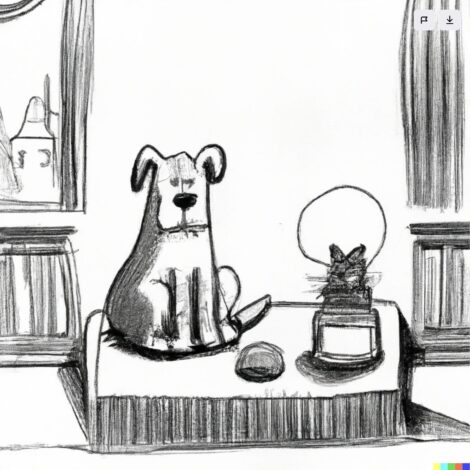 Step 4: But we’ve got some great shots and some ideas I’m going to grab and composite from these images out of the 20 I generated from the prompt and variations: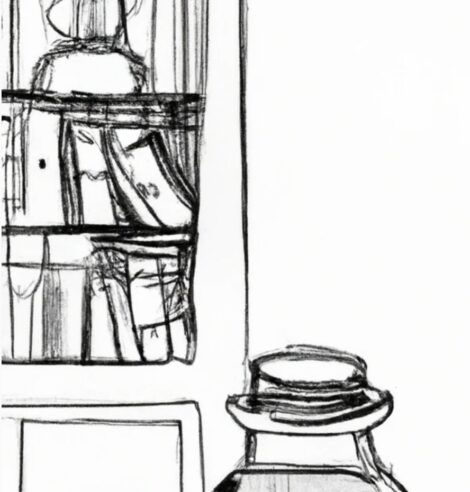
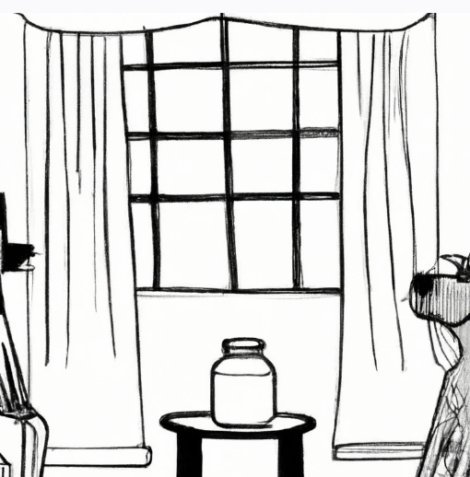
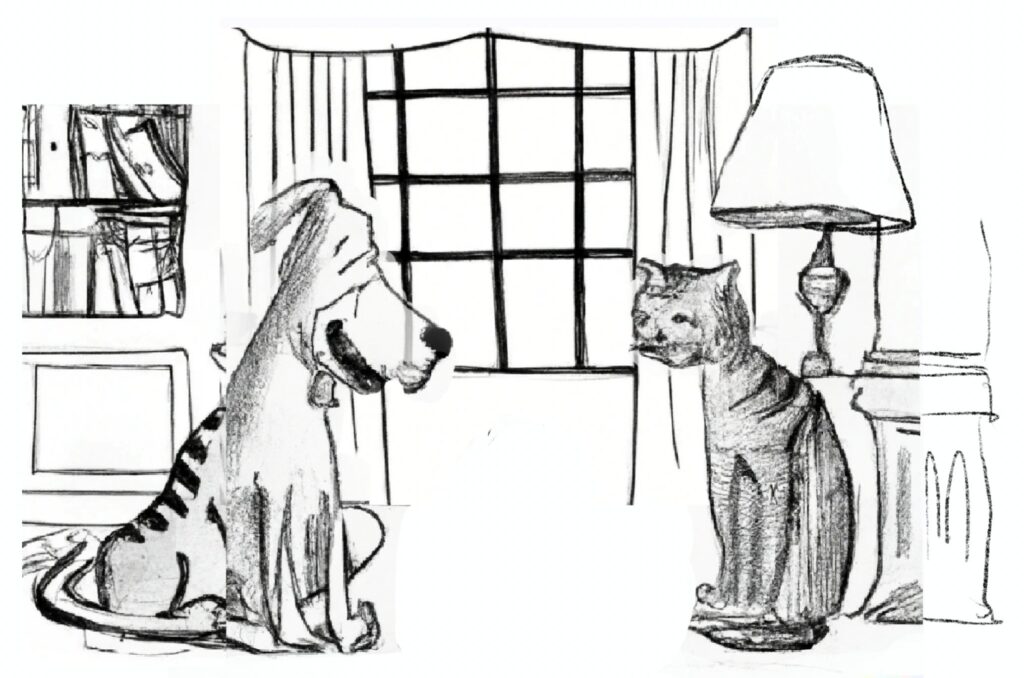
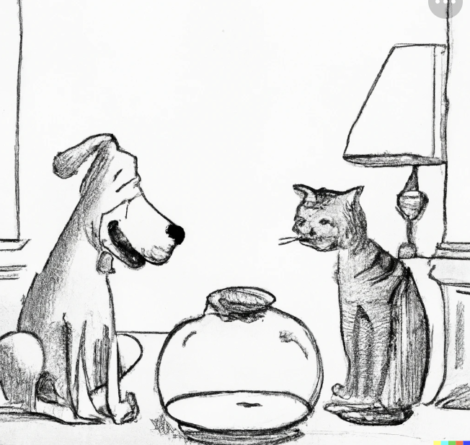 Step 5: Composite everything in #Procreate sloppily. The rough #illustration doesn’t have to be perfect. It does have to have the composition, or the gist, of the story:
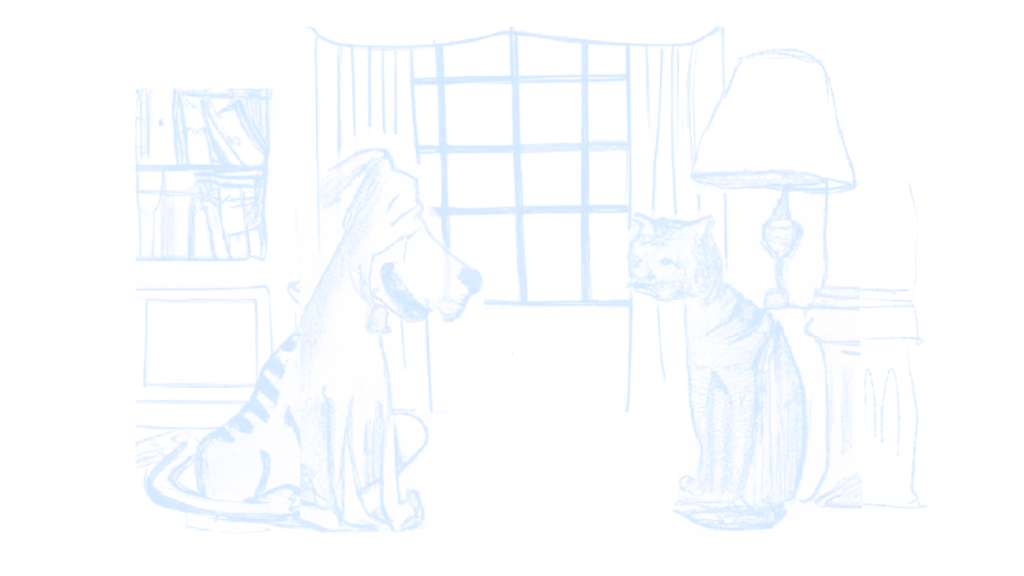
  Step 6: Turn everything light blue so I can #draw over the top, but draw my own interpretation of what I see, and bring the necessary elements and changes to what #dalle originally provided:
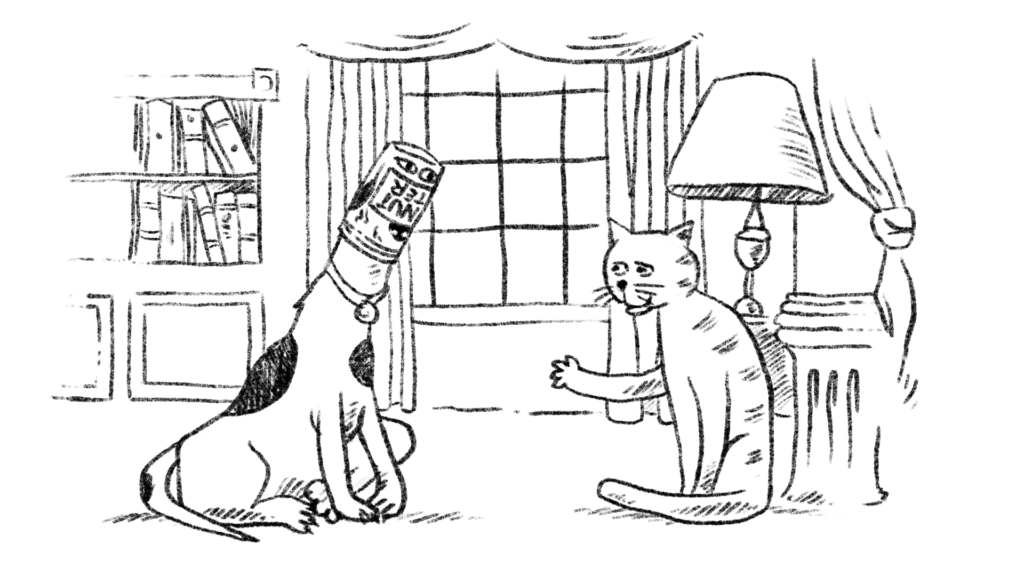
  Step 7: #draw draw draw. Tweak, move, edit, redraw. Evaluate the raw new drawing and decide it’s good for the next step of adding #watercolor. At this point you can see the original #dalle elements are gone, replaced by properly rendered #Procreate pencil:
  Step 8: Add shading in #Procreate with a #watercolor brush, and then pull a few highlights out with an eraser:
  Step 9: The final step is to push the background further into the background to improve the focus of the #illustration on the dog and cat…and the jar. And there we have it:
 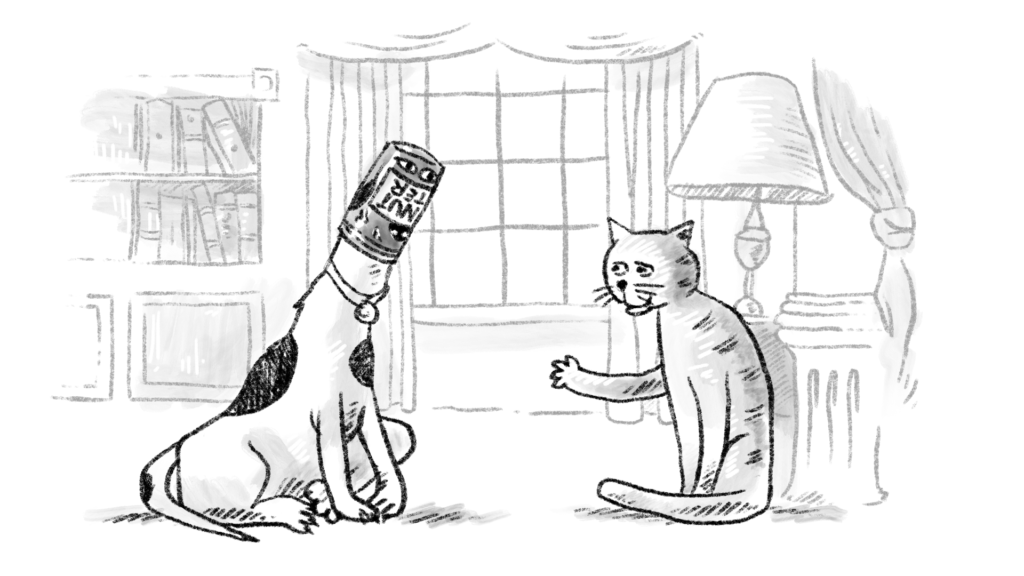 Therefore: we have a lil. working example of how #dalle was used to “source” reference material and how the output was composited into a rough concept, which was then rendered in #Procreate. If you are an #illustrator…get on the DALL-E waitlist. It will be worth it. BIG TIME.