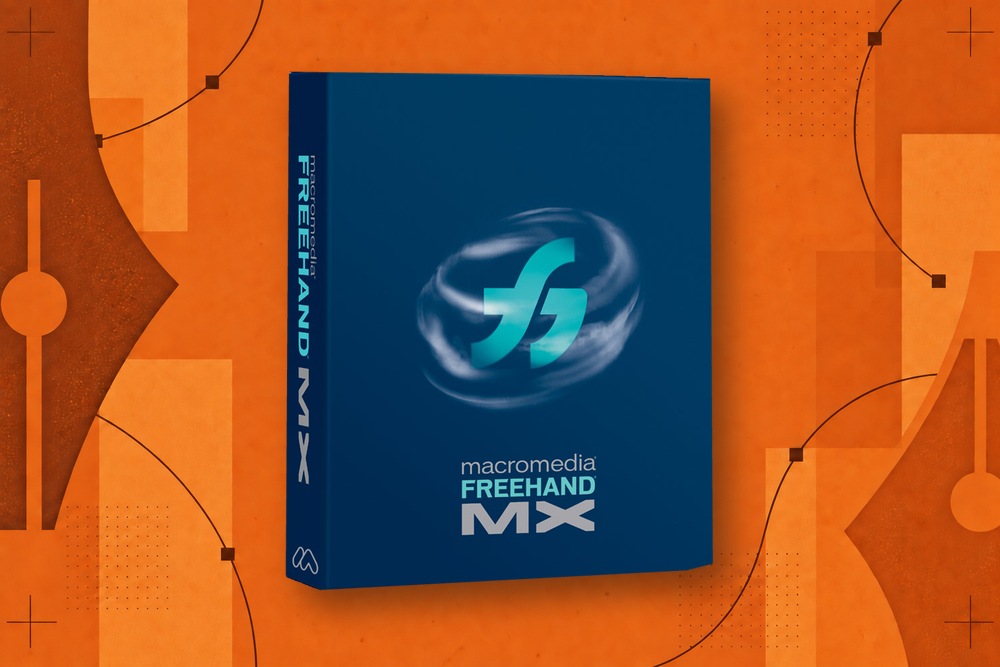
Ask what made Macromedia FreeHand special and you will hear a familiar collection of names: Paste Inside, multiple pages, Clone. These names matter, but they are only the beginning of the explanation.
The more useful question is what they allowed a designer to do without interrupting the job.
The examples below draw on the original Using FreeHand MX manual. They describe documented capabilities, not a claim that FreeHand invented every technique or that modern applications cannot perform equivalent work. For the wider story, start with what happened to FreeHand.
1. A workspace for several differently sized pages
A visual identity rarely consists of one rectangle. There might be a letterhead, an envelope, a business card, and a label, all sharing artwork and typography.
FreeHand let those pages coexist on a pasteboard. Their relationship remained visible while you worked. The benefit was not simply saving several files in one container. It was comparing a family of designs without arranging a collection of application windows.
See the multipage workflow for the distinction between page arrangement and output order.
2. Master pages for repeated structure
Related pieces need consistent elements. A recurring rule, a folio position, or a common background should not have to be rebuilt on every page.
Master pages provided a reusable source for page attributes and artwork. This was a different kind of reuse from keeping a logo in a library: it established a repeated page structure. FreeHand’s manual describes multiple masters and applying them to child pages in chapter 2.
A multipage document is more valuable when consistency can be maintained rather than merely imitated.
3. Paste Inside
A shape could hold a photograph, lettering, or other vector artwork. The shape hid the portions outside its boundary, while the contents remained editable.
The attraction was the continuity of the operation. Place the artwork, establish the container, then adjust either side of that relationship. You did not need to destroy the original art to crop its appearance.
The historical names differ across documentation and platforms: Adobe’s MX tutorial distinguishes Paste Contents on Windows and Paste Inside on Macintosh. The tutorial is a better reference than assuming a remembered menu label was universal.
4. Find & Replace Graphics
When a client changes a brand color, the design problem may be trivial and the production task enormous.
FreeHand could search graphic attributes within a selection, page, or document. It could then apply a change across the matches. The MX manual also describes operations beyond simple color replacement, including stroke-width ranges and path-shape replacement.
The important shift was treating visual properties as data that could be queried. Our Find & Replace Graphics guide shows why scope and matching rules matter as much as the Change button.
5. Clone, separately from Duplicate
An overlapping copy and an offset copy serve different purposes. FreeHand gave them different commands.
Clone made a copy in the original position. Duplicate placed a copy at an offset. A designer could choose the useful starting state without making a copy and then undoing an unwanted displacement.
That is a small saving with a high repetition rate. It also matters when alignment must remain exact.
6. Selection that could reach inside a structure
A group is useful until it gets between you and the object you need to edit.
FreeHand’s Pointer and Subselect tools addressed different levels of the drawing. The manual describes reaching members within groups and clipping structures and cycling through stacked objects. This helped preserve organization while making local changes.
The selection and shortcut article explains why “ungroup everything” is a poor substitute for dependable subselection.
7. Type on a path, including both sides of an ellipse
A badge often needs one line across the top and another along the bottom. FreeHand documented a compact way to arrange that relationship using a line break and an ellipse.
The text remained text until a conversion operation made it otherwise. That distinction matters when the wording changes: a decorative treatment should not force an early decision to abandon editing.
Chapter 8 of the manual documents the operation on page 278, with alignment controls on page 279.
8. Text blocks that participated in layout
FreeHand offered both expanding and fixed-size text blocks, linked text, and paragraph controls. This let short editorial or promotional pieces remain in the same application as their illustrations.
It did not make every long-document task a sensible FreeHand job. It did reduce the need to move a modest composition elsewhere just because it contained more than a headline.
Read FreeHand typography and page layout for the strengths and historical limits.
9. Multiple attributes and editable effects
A visible result could be built from more than one stroke, fill, or effect. The Object panel made these attributes available as an editable structure.
A contemporary MX review illustrated the panel and its live effects, while also observing that overlapping controls could create confusion. That is useful context: power and simplicity did not always arrive together.
What deserves preservation is the ability to revisit a design decision without reconstructing the artwork from scratch.
10. The perspective grid
A logo on the side of a box needs a relationship to a plane. Skewing it until it looks plausible is a different workflow from attaching it to a perspective system.
FreeHand’s grid gave objects and text that relationship. Adobe’s illustrated perspective tutorial shows the underlying concept. The dedicated article also explains a significant limit: some release operations convert editable text into paths.
11. Symbols and styles
A repeated object should not always be an independent copy. A recurring appearance should not always be a collection of manually remembered values.
FreeHand’s library and style mechanisms provided ways to manage those different kinds of repetition. A symbol establishes an artwork relationship; a style establishes an attribute relationship. Confusing them produces brittle documents.
Their value becomes clearest late in a project, when a change needs to propagate accurately rather than simply happen quickly.
12. Drawing that could lead into interactive work
FreeHand MX included tools and workflows for web graphics and Flash-oriented output. The manual documents animation and actions in chapter 11. A contemporary designer could develop some visual and navigational ideas without immediately abandoning the drawing environment.
That capability is historically interesting even though rebuilding a Flash export pipeline would not be a sensible first requirement for a modern revival. The underlying desire—to move from visual composition to a working presentation—can survive without reproducing the old delivery format.
What the list means for a revival
A successor could implement twelve menu commands and still miss the point. The document must hold together when these operations interact.
Does a clipped group survive saving? Can text remain editable after a layout change? Does a global replacement affect the intended objects? Can you undo it as one meaningful decision?
These are the questions behind Backhand. Our revival requirements use those complete workflows as the standard, while the migration guide helps recover them in existing tools.
